Threads Downloader

Download Threads videos, photos, and audio in high quality. Free, fast and no login required.

Key Features of ThrDown

  • Highest Available Video Quality: Save supported Threads videos in clean MP4 format with audio.
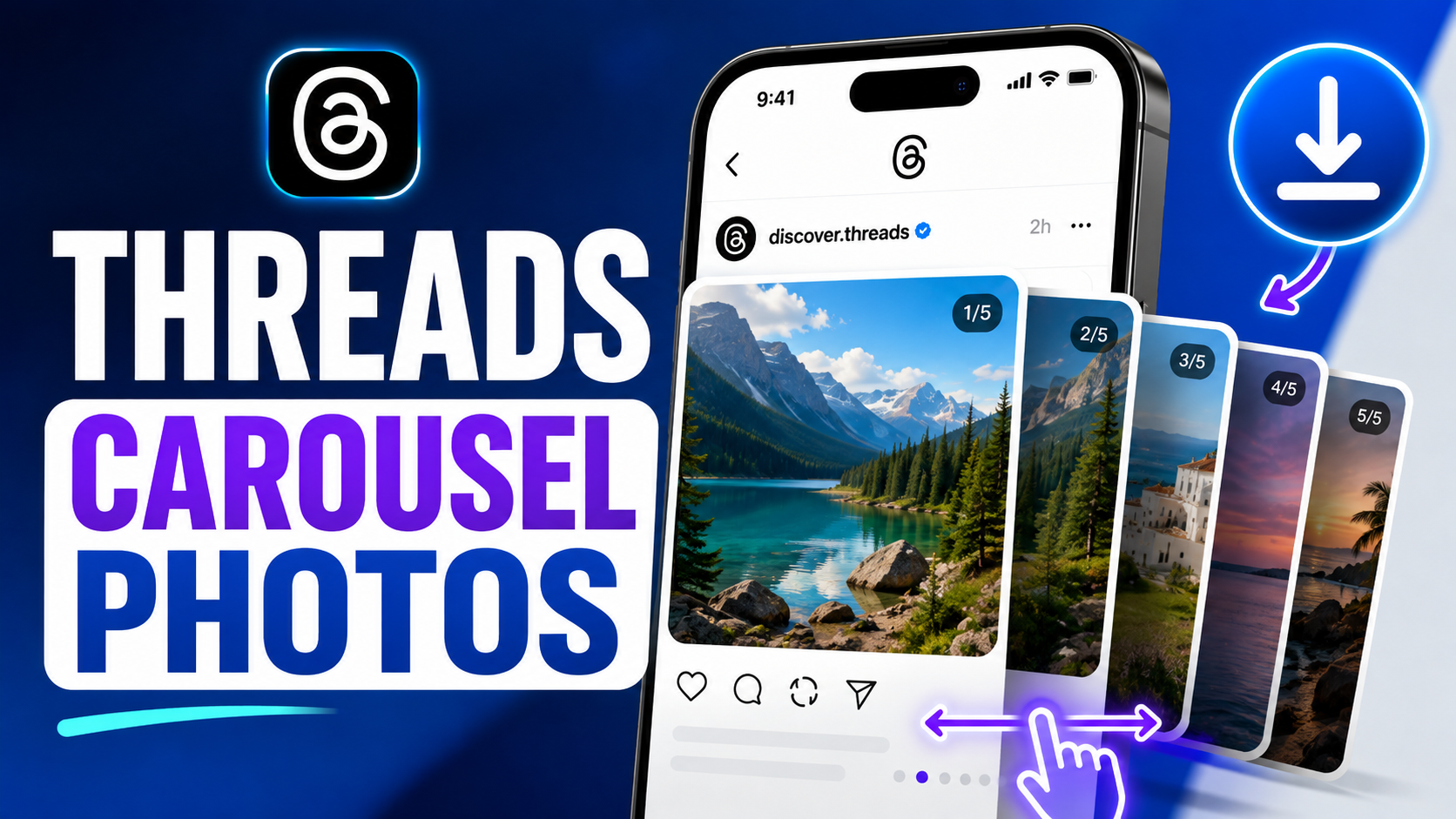
  • Download Photos & Carousels: Extract individual images or multi-photo carousel galleries without taking screenshots.
  • Extract Supported Audio: Save voice notes and audio clips from supported posts for offline listening.
  • No Account Required: Download supported public posts without entering passwords or logging into Threads.
  • Universal Compatibility: Works seamlessly on iOS Safari, Android Chrome, Mac, Windows, and Linux.

How to Download from Threads

1

Copy the Threads Link

Open Threads, tap Share on the post and select Copy Link.

2

Paste into ThrDown

Paste the URL into the input field above and click Download.

3

Save to Your Device

Choose an available download option to save the media file directly to your device.
Frequently Asked Questions

What is ThrDown?

ThrDown is a free online Threads downloader that lets you save videos, photos, carousels, and supported audio clips directly from Threads posts to your device — no app install, no login, and no watermark added. It works on phones, tablets, and computers in any modern browser.

Is ThrDown free to use?

Yes, ThrDown is completely free to use. Simply paste a Threads post link into the input field and click Download — no subscription, no account, and no hidden fees. The tool runs entirely in your browser.

Do I need a Threads account?

No Threads account is needed for supported public posts. Just copy the post link and paste it directly into ThrDown. For private posts, you need to already have viewing permission since ThrDown does not bypass any privacy settings.

What types of media can I download?

ThrDown supports Threads videos (MP4 with audio), photos and carousel images (individual or batch), and supported audio clips. The available options depend on the media attached to each individual post.

Does ThrDown work on iPhone and Android?

Yes. ThrDown works on iPhone (Safari), Android (Chrome, Firefox), and all major desktop browsers on Windows, Mac, and Linux. No additional app or plugin is required.

Can I download private Threads posts?

Only if you already have legitimate viewing access to that post. ThrDown does not unlock private profiles or bypass Threads privacy controls. Attempting to download private content you cannot normally view is not supported.

Does ThrDown add watermarks?

No. ThrDown saves media files exactly as they appear on Threads — clean, without any added watermark, logo, or overlay. The downloaded file quality depends on the original upload quality.

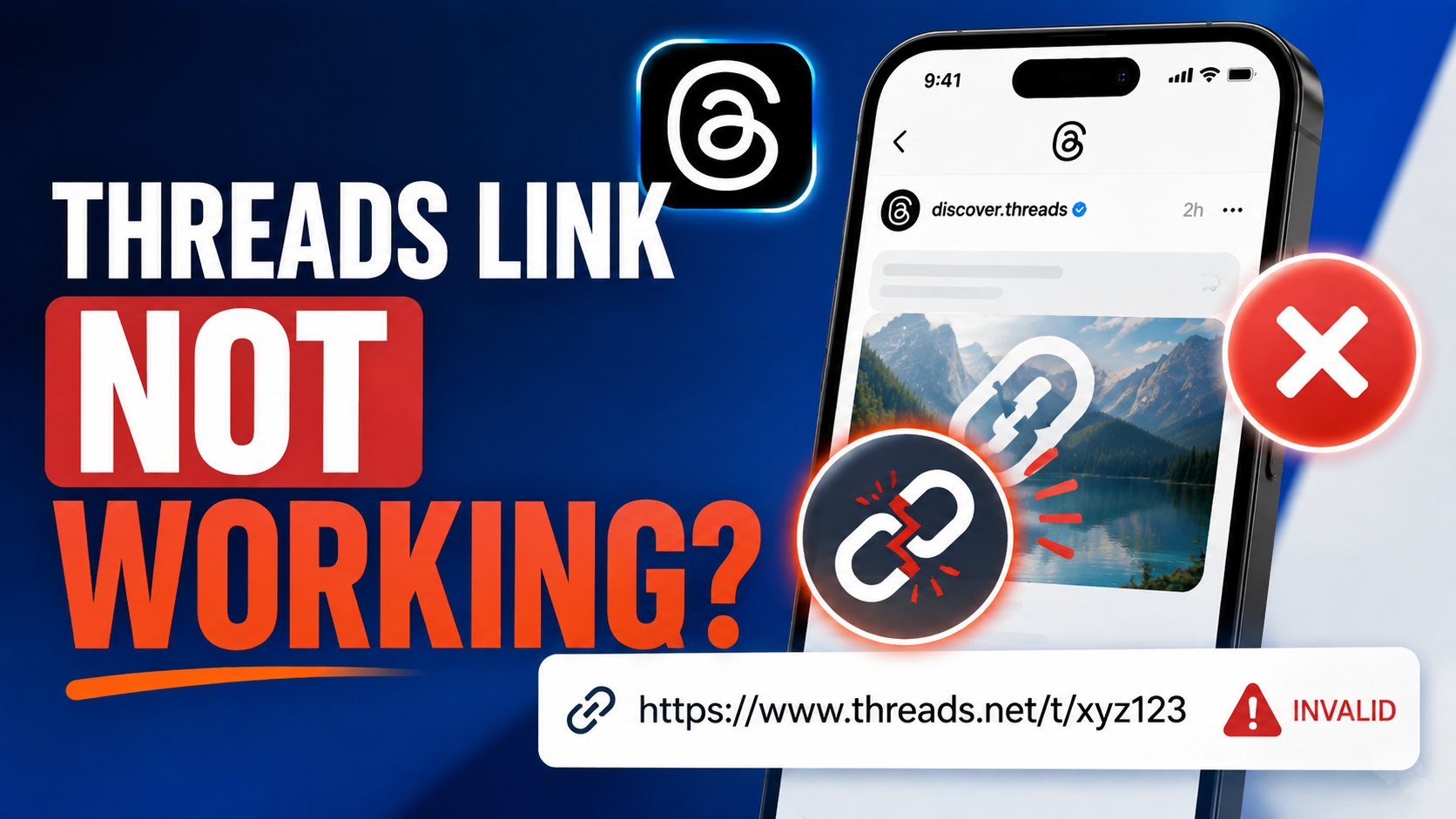
Why isn't my Threads link working?

Make sure you are using the link of an individual Threads post, not a profile or explore page. If the link looks correct, the post may have been deleted, set to private, or contain unsupported media types. Try refreshing the page and pasting the link again.